
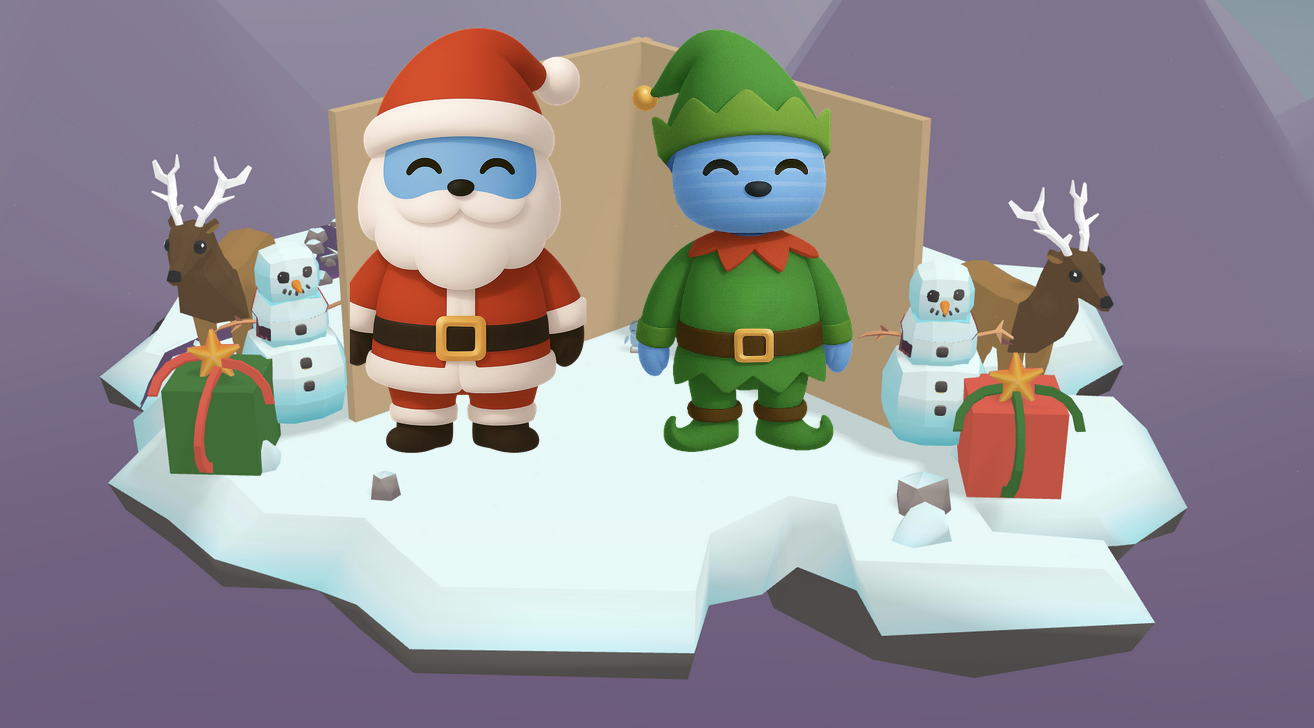
Cards come in many shapes and styles. Some are funny, some are sweet, and some even pop up in 3D. In this Adventure, you will explore how greeting cards help people share feelings and celebrate special moments. Then you will design your own 3D greeting card that can brighten someone’s day.
Warm-up Question: How many greeting cards do you think people buy each year in the United States? Is it one thousand, one million, or even more than that?
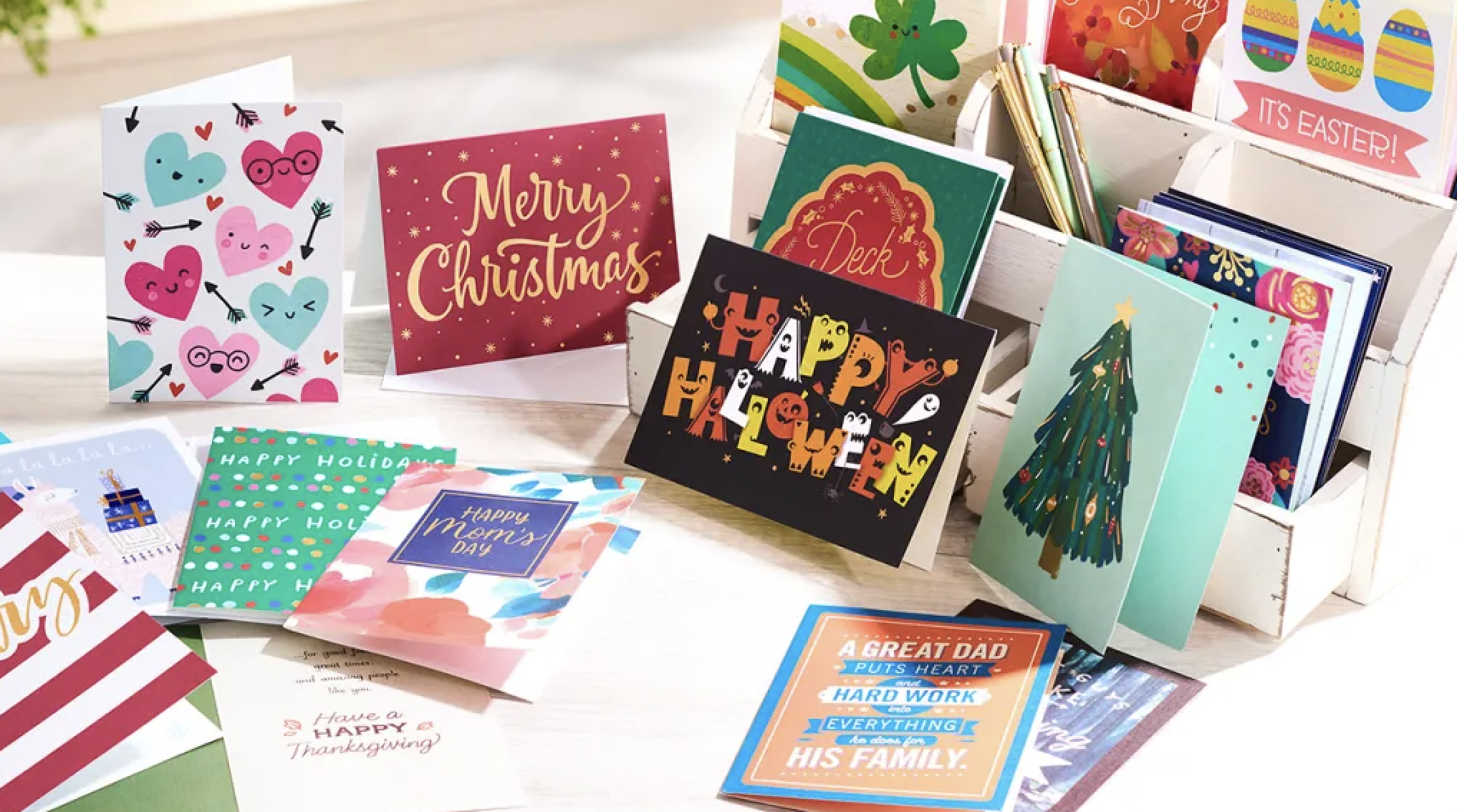
Did you know that people in the United States buy about 1.3 billion greeting cards each year?
A greeting card is a way to share a feeling and to show someone that you care about them. Cards can be made from paper, digital tools, or creative 3D designs.


They can show feelings like joy, hope, and friendship. They can also help us celebrate birthdays, holidays, or other special events.
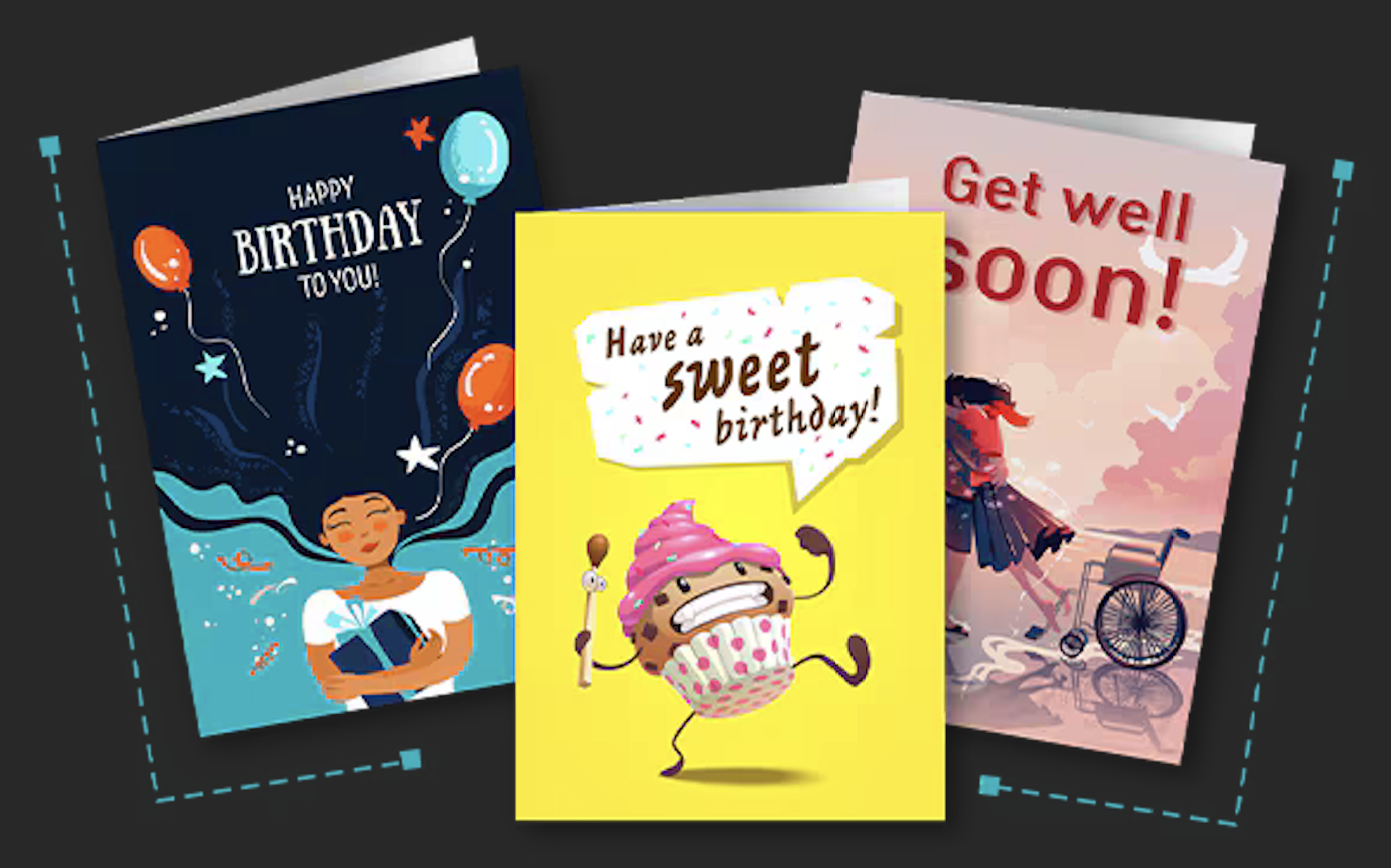
This year, you have been hired by Kai XR to create a 3D greeting card. Will it be bright and cheerful? Will it be fun and silly? Will it celebrate a holiday or a special occasion?
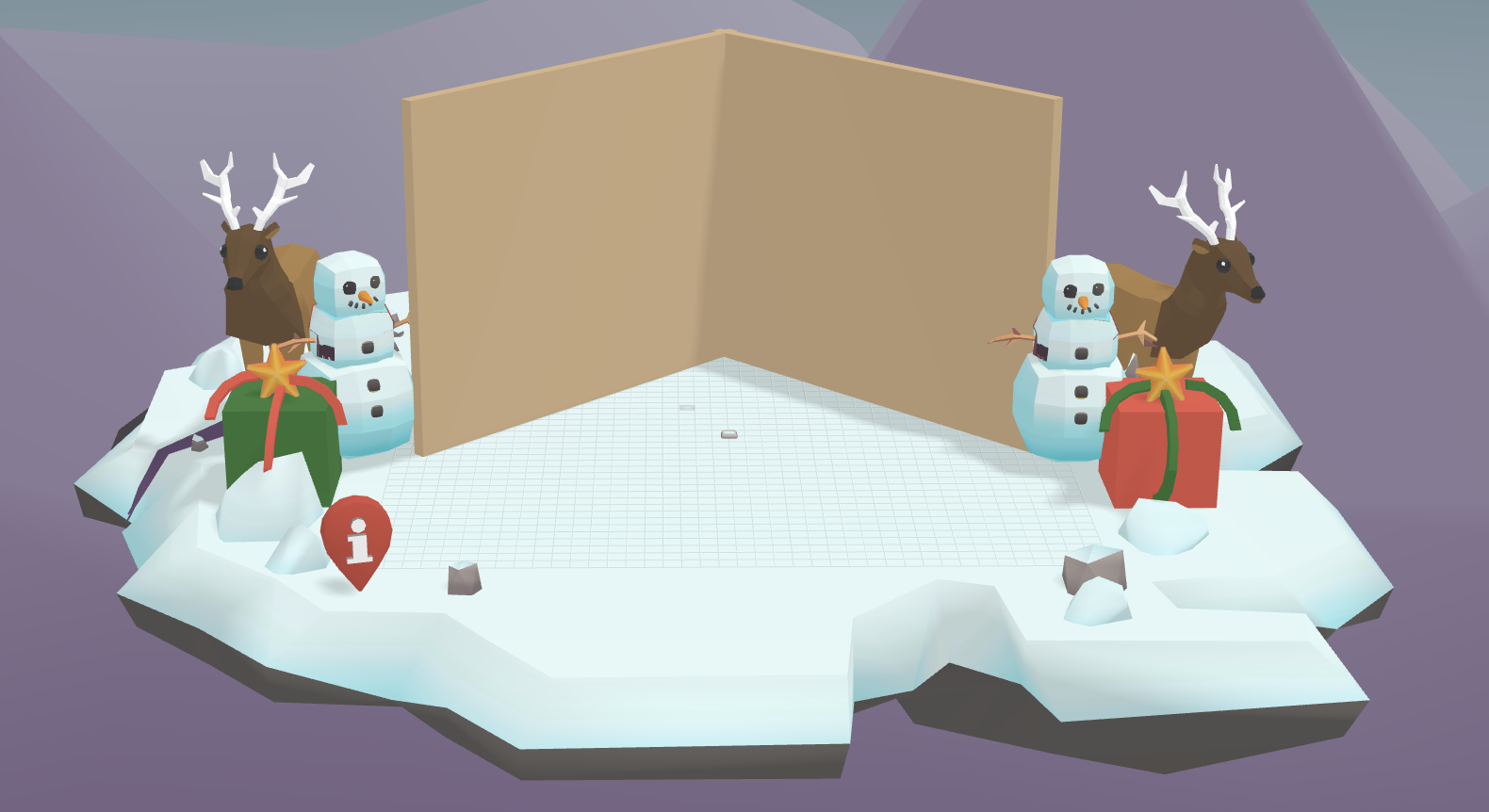
As you design your card, think bout these three things:
Use your imagination as you build your design. Your card can reflect any moment you want to celebrate.

Move left, right, forward, backward, up, or down
.gif)

Spin or
turn around
.gif)

Make smaller
or larger
.gif)


