Curate a Zoo

A Kai XR Adventure

Kai XR Lesson

Introduction

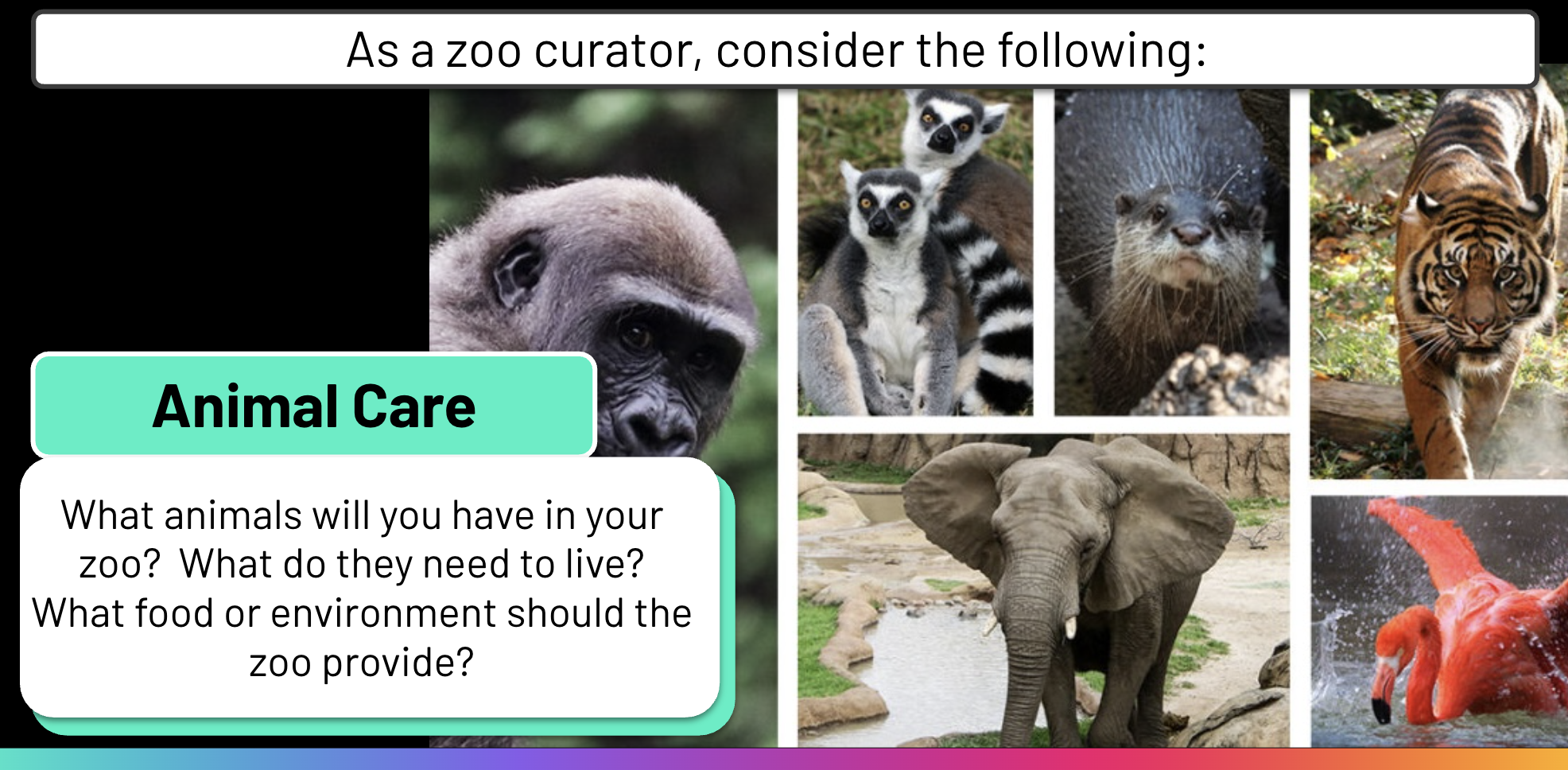
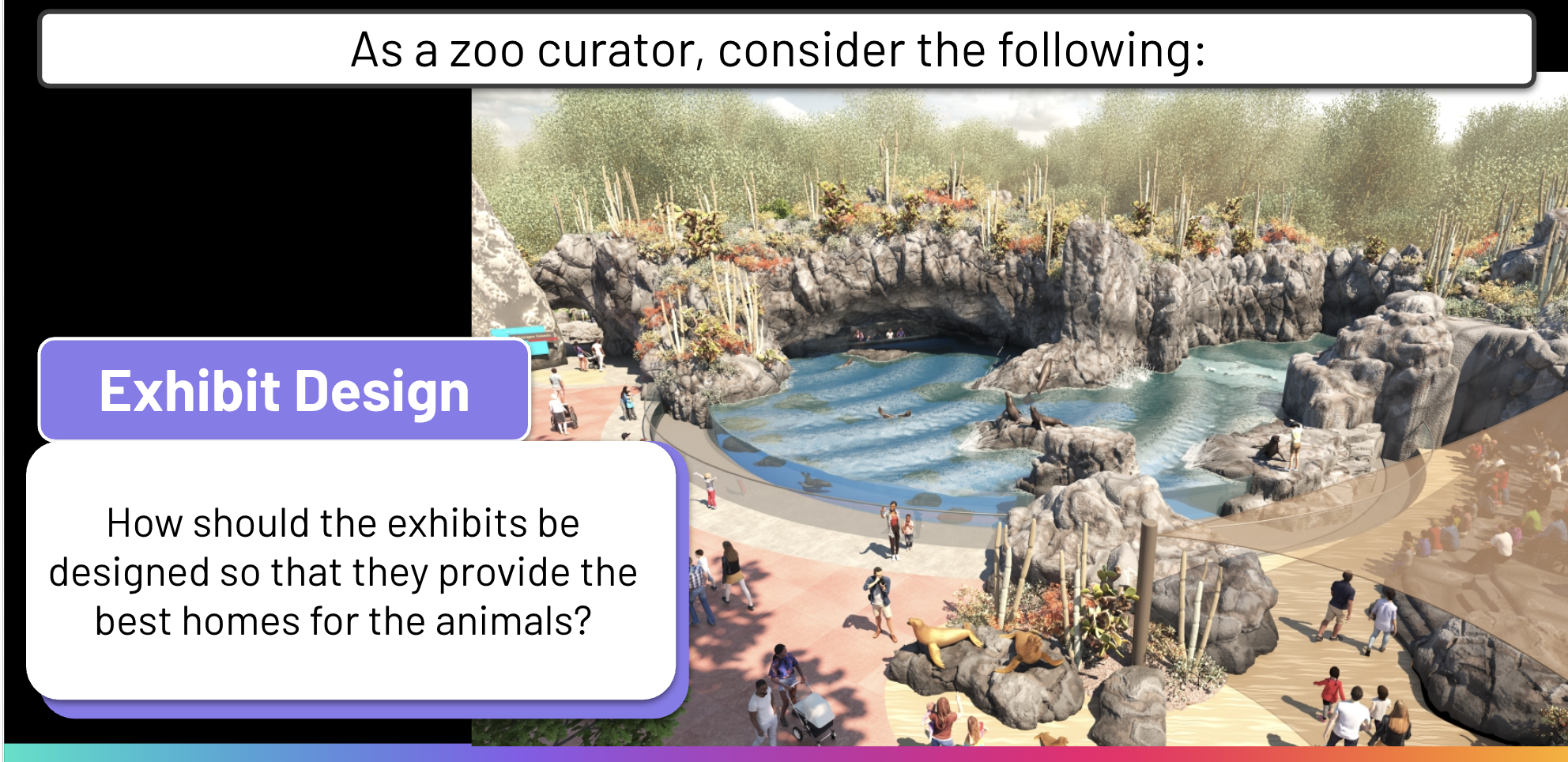
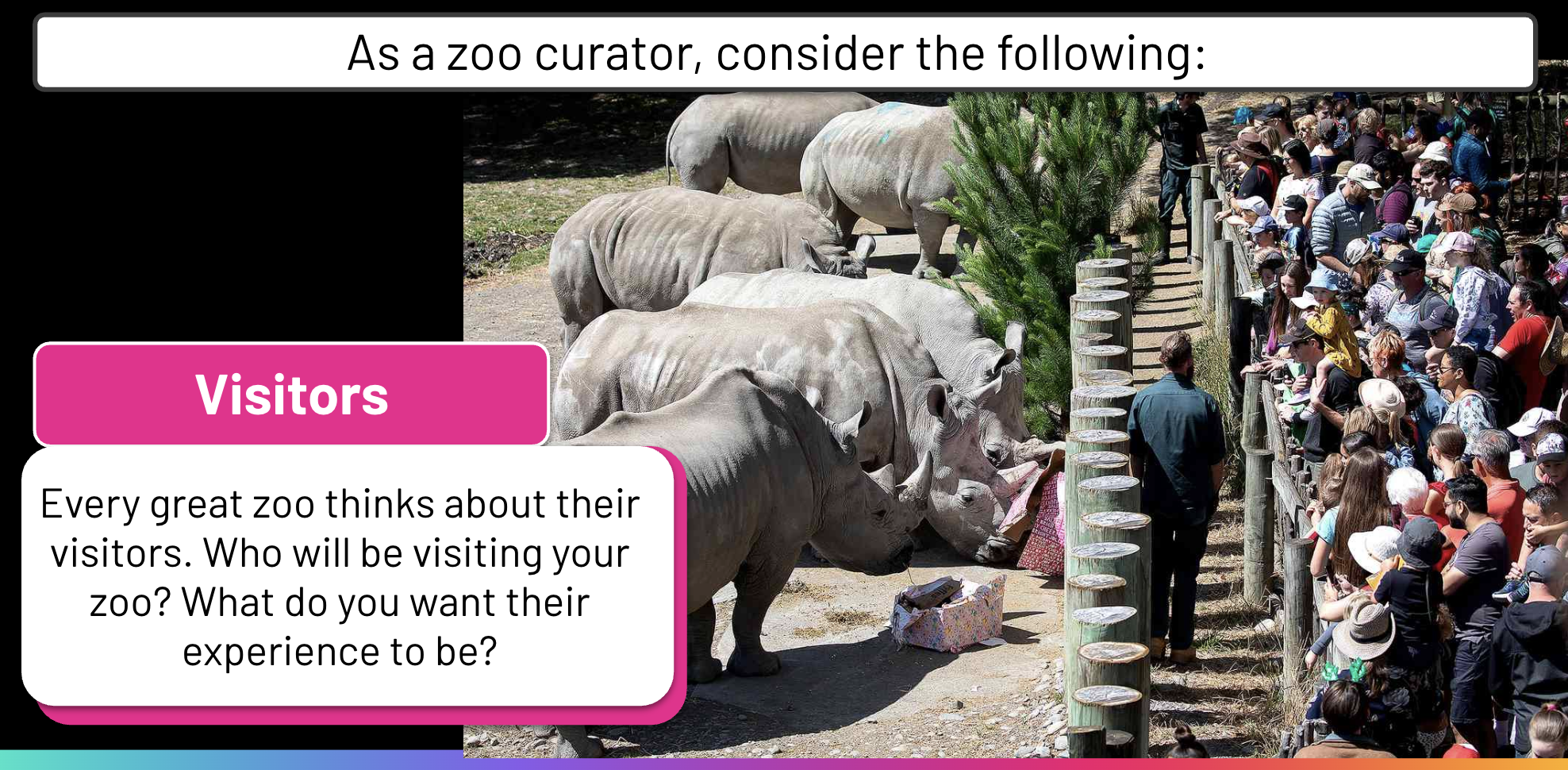
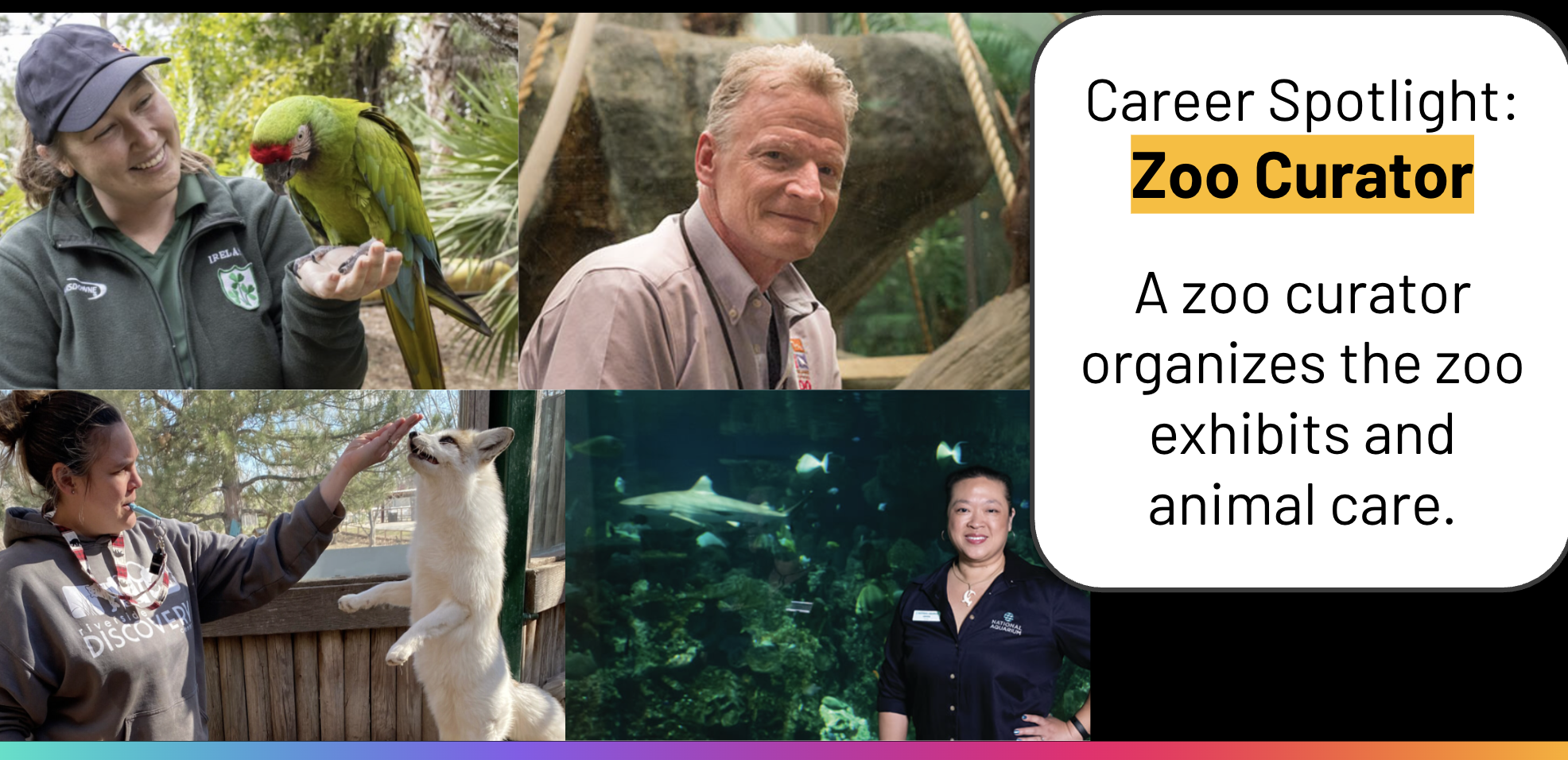
What if you could design your own zoo? What kind of animal exhibits would you design? In this Adventure, you are a zoo curator, designing exhibits to provide the best care for the animals in your zoo.
Read

Kai XR LessonKai XR LessonKai XR LessonKai XR LessonKai XR Lesson

Makerspace

Makerspace Challenge: Curate a Zoo

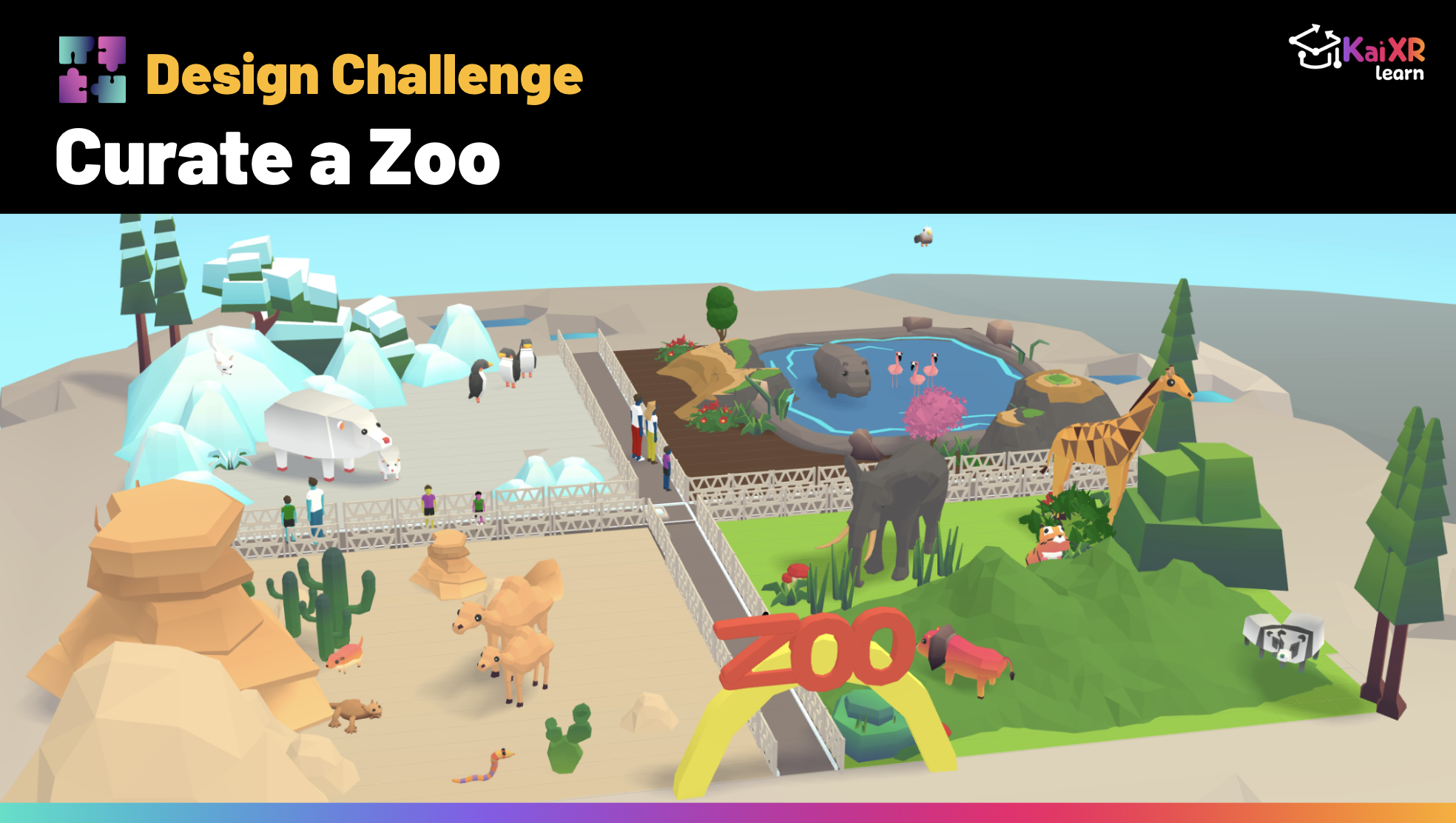
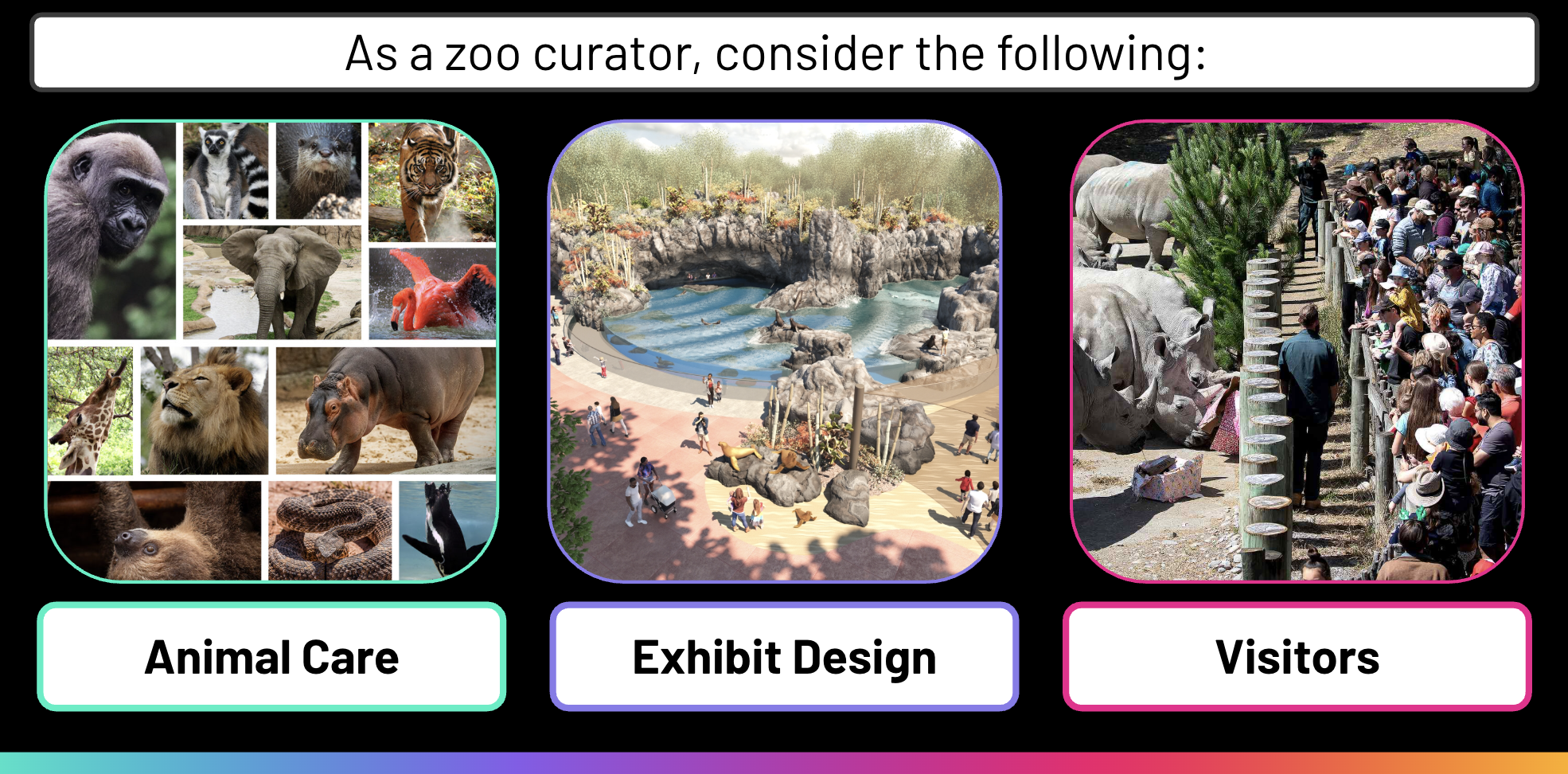
Welcome to the Kai XR Zoo! As the zoo curator, your job is to choose, organize, design the animal exhibits.  Decide which animals will thrive in which exhibit, and create a fun zoo experience for your visitors!

Click Toolkit to find animals and drag and drop them to curate your zoo.

When you're done with your animals, add people, trees, flowers, and more to bring your zoo to life.

Editing Your Assets
Select an asset to see Editing tool menu.

translate button

Translate

Move left, right, forward, backward, up, or down

kai xr translate
rotate button

Rotate

Spin or
turn around

kai xr rotate
scale button

Scale

Make smaller
or larger

kai xr scale
In memory of my sunshine, Ky(ra) G. Frazier. Love you to the moon and back.